![Iventis_Pos_CMYK-1.jpg]](https://support.iventis.com/hs-fs/hubfs/Iventis_Pos_CMYK-1.jpg?height=50&name=Iventis_Pos_CMYK-1.jpg)
See these articles before proceeding:
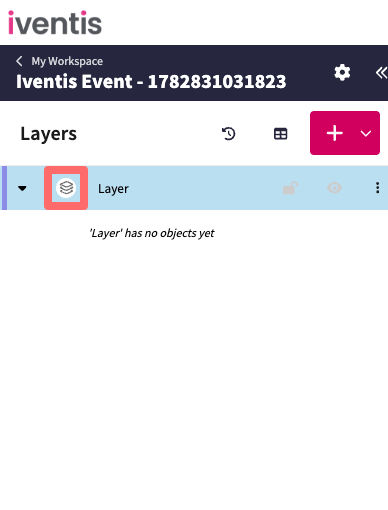
Step 1: Open the layer settings
Click the layer preview to open the layer settings
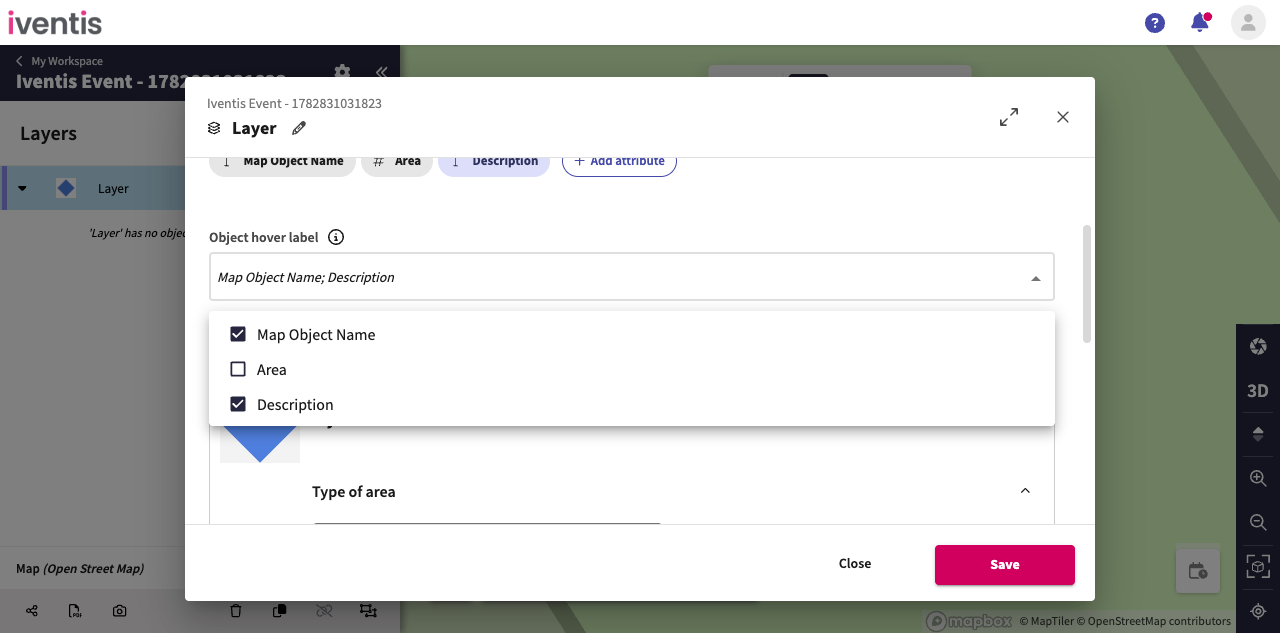
Step 2: Select the attribute
Select the attribute(s) to be shown in the map object hover label
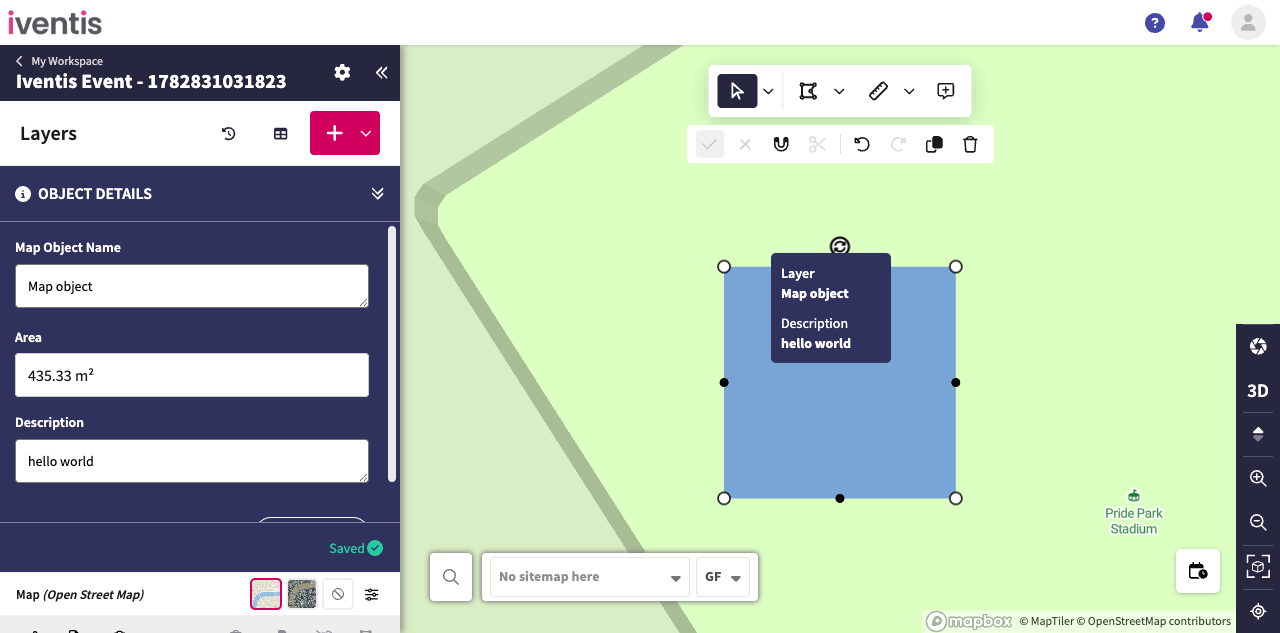
Step 3: View the map object hover label
Hover over the map object to view its hover label.